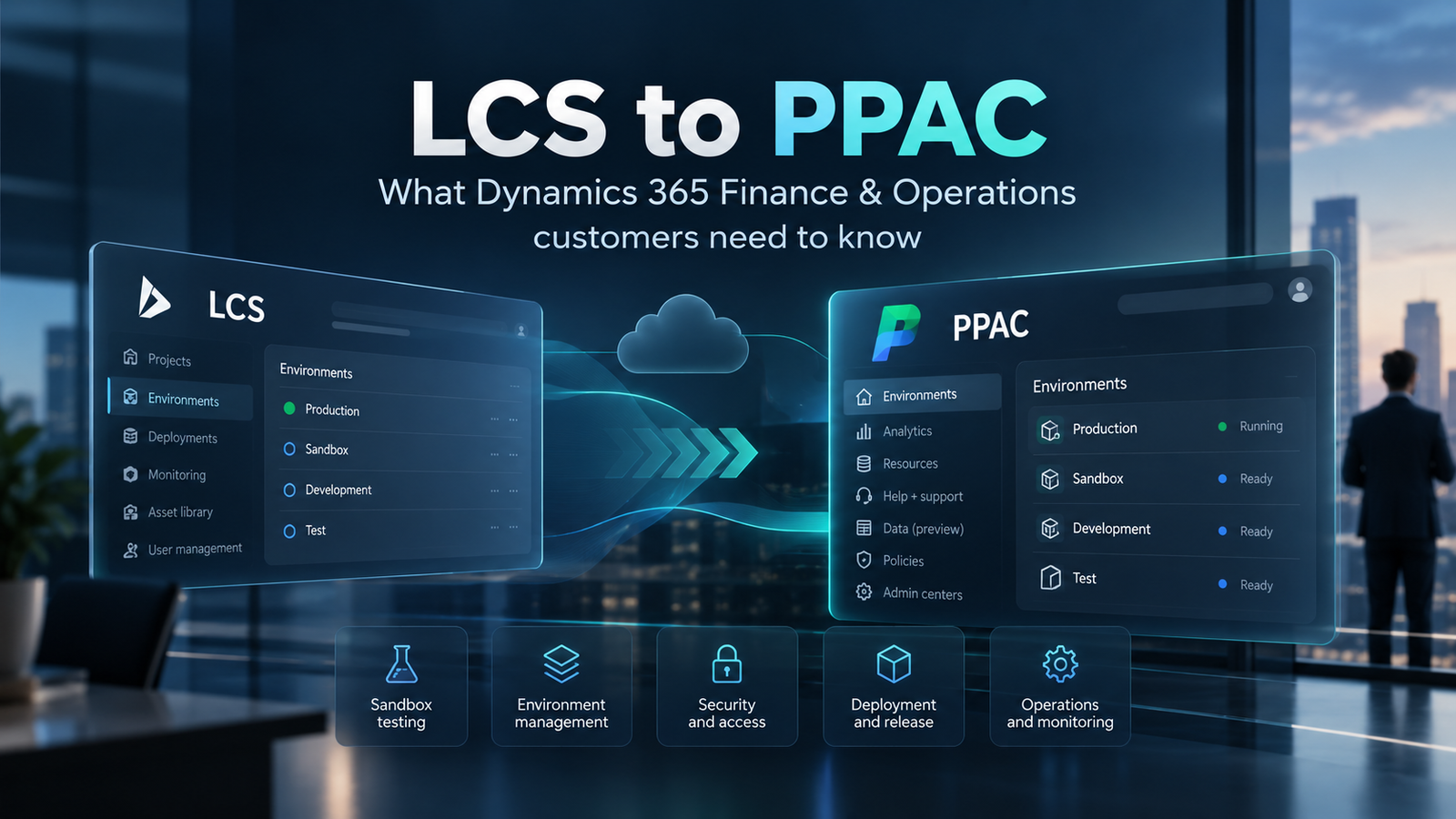
What the move from Lifecycle Services to Power Platform admin center changes, what stays the same and how existing customers should prepare
Microsoft is changing the way Dynamics 365 Finance and Supply Chain Management environments are administered. For existing Lifecycle Services customers, this is now a change worth planning for rather than simply watching.
For many years, Lifecycle Services (LCS) has been the operational centre for finance and operations implementations. Environment management, updates, support, database operations and deployment activities have all been closely associated with LCS.
That model is now changing.
Microsoft is moving Finance, Supply Chain Management and Project Operations customers towards the Power Platform admin center (PPAC) and a more unified administration model across Dynamics 365 and Power Platform.
For customers, the important message is simple: prepare now, test safely and do not treat this as a rushed production migration.
As your Microsoft Dynamics partner, InteliSense IT can help you understand what changes, what stays the same, what needs to be prepared and when action is actually required.
Three key takeaways
- 1.Existing LCS customers are not being forced to migrate production immediately. The self-service migration remains in public preview, and Microsoft recommends migrating and validating sandbox environments first.
- 2.The migration changes the control plane that manages the environment. Microsoft states that the database is not moved and the underlying environment infrastructure is not materially changed.
- 3.The bigger preparation work is operational: development and deployment processes, Power Platform capacity, support access, Commerce dependencies, backups, environment copies and administrator responsibilities all need reviewing.
What is changing?
Microsoft is moving administration of Dynamics 365 Finance, Dynamics 365 Supply Chain Management and Dynamics 365 Project Operations away from the traditional LCS model and towards the Power Platform admin center.
This does not mean the ERP is being replaced. It means the management experience and the Microsoft services responsible for lifecycle operations are changing.
After migration, PPAC becomes the management experience for lifecycle operations including:
- Environment administration
- Backups and restores
- Environment copies
- Servicing and updates
- Monitoring
Support is changing as well. Microsoft is retiring the LCS Support experience and moving customers and partners to Help + Support in PPAC. Support roles, delegated access and partner processes should therefore be part of readiness planning.
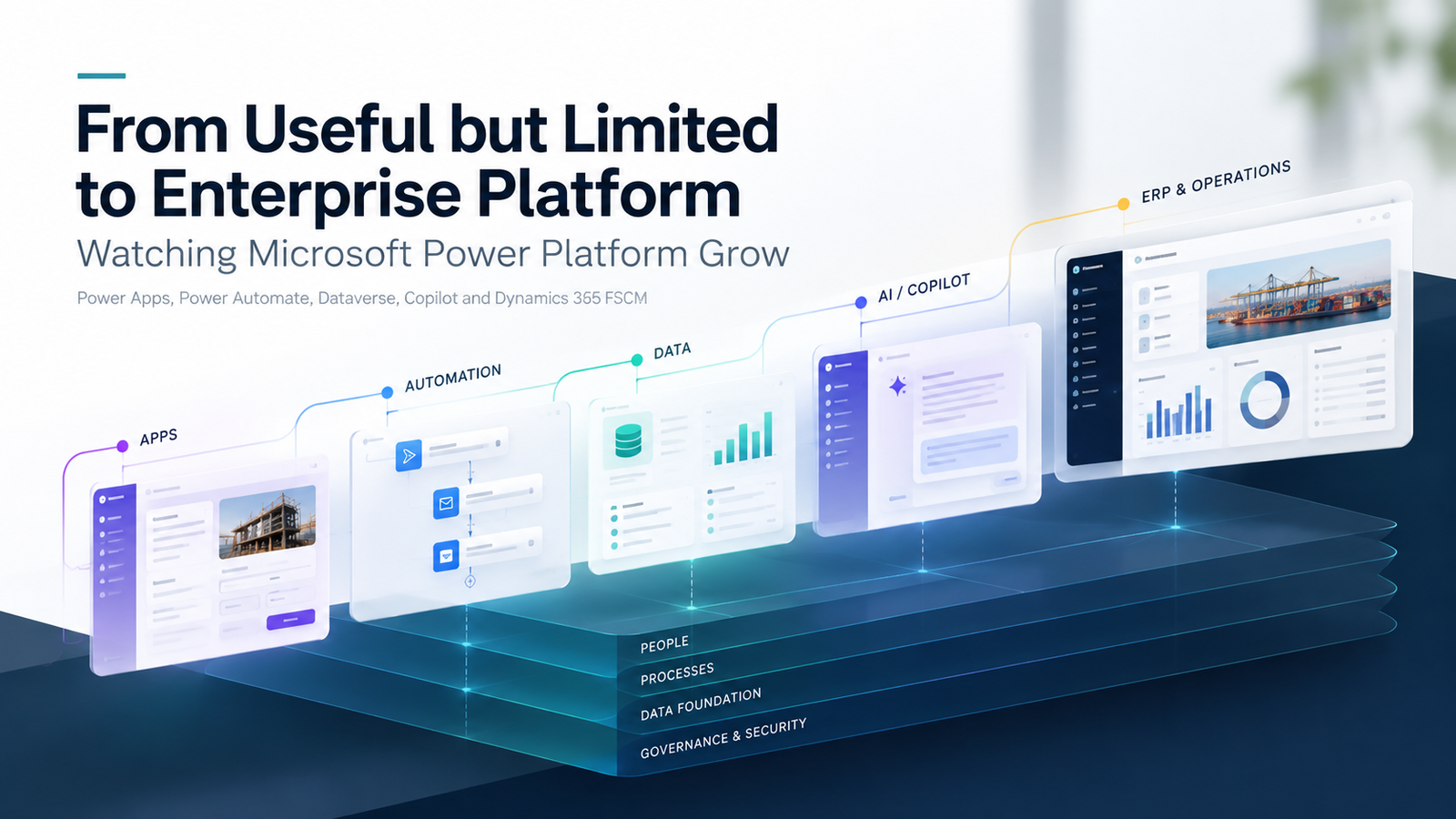
The wider direction also brings finance and operations apps closer to Power Platform and the Microsoft application lifecycle ecosystem, including Dataverse, Power Apps, Power Automate, Copilot, Azure DevOps and Power Platform deployment tooling.
The dates customers should know
16 February 2026
Microsoft froze the creation of new cloud implementation projects in LCS for new customers implementing Dynamics 365 Finance, Dynamics 365 Supply Chain Management and Dynamics 365 Project Operations. New customers for those products should use PPAC for environment and project management.
Existing customers with active LCS projects can continue using them. Microsoft also lists several unaffected scenarios, including Dynamics 365 Commerce projects, AX 2012 upgrade projects, on-premises implementations and tenant-to-tenant migrations that require an LCS project.
September 2026
Microsoft made self-service migration of eligible existing LCS environments to PPAC available in public preview. The migration is performed separately for each environment; it does not migrate the LCS project itself.
As of 22 October 2026, Microsoft still recommends a sandbox-first approach and says not to use the feature for production environments during public preview.
Is this a major technical migration?
In most cases, this is better understood as a management and control-plane migration rather than a traditional ERP reimplementation or database migration.
Microsoft describes the process as updating environment metadata across its services so lifecycle operations are managed through PPAC instead of LCS. The database is not moved, and the environment infrastructure is not materially changed.
That distinction reduces the scale of the change compared with moving to a new ERP platform, but it does not make the transition operationally trivial. Deployment, development, backups, environment copies, access, support, monitoring, capacity and administration all need to be considered.
Migration is one-way
One of the most important points for customers is that the migration is currently one-way. After an environment is migrated, its LCS management experience becomes read-only and the customer cannot move management back to LCS as a rollback action.
That is why InteliSense IT recommends starting with a less critical sandbox, validating the new operating model and resolving issues before moving additional environments. Production should come last, when Microsoft guidance and the organisation's own readiness both support it.
What downtime is involved?
Microsoft advises planning for approximately 15 minutes of downtime for each Application Object Server (AOS) instance. Environments with more AOS instances can take longer, and Microsoft recommends reserving extra time in the maintenance window.
For a future production migration, we would treat this as a controlled maintenance activity with:
- An agreed change window
- User communication
- Pre-migration checks
- Post-migration validation
- Integration and add-in testing
- Business-process validation
The objective is to make the transition predictable rather than disruptive.
What environments can move today?
Self-service sandbox environments
Supported in the migration preview and the correct place to begin. Microsoft recommends validating sign-in, lifecycle operations, code deployment, integrations, add-ins and environment copy before moving on.
Self-service production environments
The migration action may be available, but Microsoft does not recommend production migration during public preview.
Cloud-hosted developer environments
These are not supported by the migration process. Microsoft directs customers towards Unified Developer Environments or a downloadable VHD for local development, alongside Azure Pipelines and Power Platform ALM.
Commerce environments
These require particular caution. An environment that uses Dynamics 365 Commerce functionality is not supported by the finance and operations migration preview, and Microsoft explicitly says not to migrate it. The prerequisite check does not currently detect Commerce usage.
Separately, Microsoft has a Commerce-in-PPAC public preview for selected Commerce deployment and extensibility scenarios. That does not mean existing LCS-managed Commerce deployments can be migrated through the finance and operations migration preview. Existing LCS-managed Commerce migration is not supported during the Commerce preview either.
The biggest change may be how environments are operated
For many customers, the portal change itself will be the easy part. The larger impact is how the environment is governed and operated after migration.
The readiness conversation should include:
- Power Platform capacity
- Dataverse and environment strategy
- Azure DevOps and CI/CD pipelines
- Administrator and support permissions
- Backup and restore procedures
- Environment-copy procedures
- Development architecture
- Integration and ISV dependencies
This is why InteliSense IT sees the move as an opportunity to review the wider operating model around Dynamics 365 rather than simply replacing one administration portal with another.
Environment slots are giving way to capacity-based provisioning
LCS customers have traditionally thought about non-production and production environments in terms of purchased environment slots. PPAC uses a capacity-based model instead.
Microsoft states that finance and operations environments require available Operations database capacity and Dataverse database capacity. The amount of available capacity therefore becomes part of environment provisioning and migration readiness.
A migrated environment consumes capacity under the Power Platform model, and the old LCS environment slot is not returned or made available for another environment. Future provisioning is based on available Power Platform capacity rather than LCS slots.
Backups and environment copies will feel different
Some familiar terminology changes in the unified administration model. What many LCS customers call a database refresh maps more closely to an environment copy in PPAC.
Microsoft documents an important difference: in PPAC, code is copied with data, producing a fuller copy of the source environment. Power Platform also supports copy options where a full set of transaction data is not required.
Backups are also managed through the Power Platform model. They remain within Microsoft's cloud service rather than being downloaded as a traditional SQL backup file. Existing operational runbooks should be reviewed so administrators understand the new process before the first migration.
Development and ALM need to be ready too
Traditional LCS cloud-hosted development environments have been common across finance and operations projects. They are not migrated through the PPAC self-service migration process.
Microsoft's unified developer experience moves towards Unified Developer Environments, local development options, Azure DevOps, CI/CD pipelines and Power Platform deployment capabilities.
For long-established Dynamics estates, preparing development and deployment processes may require more work than the PPAC migration itself. Microsoft recommends preparing these ALM processes in parallel before migrating sandboxes.
What are the benefits?
The direction has several potential benefits when it is implemented well:
- A more consistent administration model across Dynamics 365 and Power Platform workloads.
- A single PPAC view for environment administration, policies, licensing and capacity.
- Capacity-based provisioning rather than relying on fixed LCS environment slots.
- More modern ALM using Azure Pipelines and Power Platform deployment capabilities.
- Environment copies that include both application code and data.
For organisations already using Power Platform heavily, the main advantage is not simply a new portal. It is the opportunity to manage ERP, low-code applications, automation, data and administration through a more consistent platform model.
What are the risks and limitations?
- Migration is one-way from the customer perspective, so rollback to LCS management is not available.
- The self-service migration capability is still in public preview and production migration is not recommended.
- Commerce usage blocks migration during the finance and operations preview.
- Cloud-hosted developer environments are not migrated and need a replacement development approach.
- Existing deployment, support, backup and environment-management runbooks will need updating.
- Power Platform capacity must be understood before migration.
- Not every LCS feature is reproduced directly in PPAC; some functions move to other Microsoft services and tools.
How InteliSense IT will support customers
Our role is to remove uncertainty from the process. For existing customers, a readiness review can cover:
- LCS estate assessment
- PPAC readiness
- Capacity and storage
- Environment dependency mapping
- Integrations and ISVs
- Commerce dependencies
- Development environment strategy
- Azure DevOps and deployment pipelines
- Security, administrator and support roles
- Backup, restore and environment-copy procedures
- Sandbox migration planning
- Post-migration validation
- Future production migration planning
Where a customer is not ready to move, the right outcome is a roadmap rather than a forced migration. The aim is to make the transition deliberate and evidence-led.
Our recommended migration sequence
- 1.Assess the current LCS estate and dependencies.
- 2.Prepare capacity, roles, development and ALM processes.
- 3.Migrate a less critical sandbox first.
- 4.Validate users, lifecycle operations, deployments, integrations and add-ins.
- 5.Test an environment copy in PPAC.
- 6.Migrate and validate the remaining sandboxes.
- 7.Plan production last, once Microsoft guidance and business readiness align.
What should customers do now?
For most existing LCS customers, the answer is not "migrate production immediately". The answer is to start preparing now.
The questions we would ask are:
- How dependent are we on LCS today?
- Which environments are eligible for migration?
- Do any environments use Commerce functionality?
- Is our development model ready for Unified Developer Environments and Power Platform ALM?
- Do we understand our Operations and Dataverse capacity position?
- Are integrations and ISVs ready to be tested in a migrated sandbox?
- Do administrators and partners have the correct PPAC and support roles?
- Do we have a suitable sandbox for a controlled pilot?
If some of those answers are unclear, that is exactly where a readiness review adds value.
Our view
The move from LCS to PPAC is a significant operational change, but it should not be treated as a crisis or a rushed production migration.
It is part of Microsoft's broader strategy to bring finance and operations apps into a unified Power Platform administration and application-lifecycle model. For many customers, that should create long-term benefits around administration, integration, deployment and platform consistency.
The key is to move in a controlled sequence: understand the estate, prepare the operating model, prove the approach in sandbox and only move further when the evidence supports it.
If you are unsure how the LCS-to-PPAC transition affects your Dynamics estate, InteliSense IT can review your current setup, identify dependencies and risks, and help build a practical migration-readiness plan before changes are made.
Frequently asked questions
Is Microsoft forcing existing LCS customers to migrate now?
No. Existing customers with active LCS projects can continue using them. Microsoft has made self-service environment migration available in public preview for eligible environments, but currently recommends sandbox-first validation and does not recommend production migration during the preview.
Does LCS-to-PPAC migration move the Finance and Operations database?
No. Microsoft describes this as a control-plane migration. The database is not moved and the environment infrastructure is not materially changed.
Can a migrated environment be moved back to LCS?
Not through a customer-initiated rollback. Microsoft describes the migration as one-way, which is why sandbox validation is important before migrating further environments.
How much downtime should we plan for?
Microsoft recommends planning for approximately 15 minutes of downtime per AOS instance and reserving additional time in the maintenance window.
Can an environment that uses Dynamics 365 Commerce be migrated?
Not through the current finance and operations migration preview. Microsoft says environments using Commerce functionality are not supported and should not be migrated during the preview.
What happens to the old LCS environment slot?
It is not returned for reuse after migration. Future provisioning is based on available Power Platform capacity.
Start with an LCS-to-PPAC readiness review
The most useful first step is to understand which environments are eligible, what depends on LCS today, whether Commerce is involved, how development and deployment will work after migration, and whether the tenant has the capacity and roles needed for PPAC.
InteliSense IT can turn that assessment into a practical migration sequence, beginning with a controlled sandbox pilot and clear validation criteria before any wider rollout.
Sources
Microsoft Learn - Migrate finance and operations environments from Lifecycle Services to Power Platform admin center (preview) https://learn.microsoft.com/en-us/dynamics365/fin-ops-core/dev-itpro/lifecycle-services/migrate-lifecycle-services-environments-power-platform-admin-center
Microsoft Learn - Lifecycle Services project creation freeze https://learn.microsoft.com/en-us/dynamics365/fin-ops-core/dev-itpro/lifecycle-services/lcs-project-creation-freeze
Microsoft Learn - Overview of unified admin experience for finance and operations apps https://learn.microsoft.com/en-us/power-platform/admin/unified-experience/finance-operations-apps-overview
Microsoft Learn - Migration of the Lifecycle Services Support experience to Power Platform admin center https://learn.microsoft.com/en-us/dynamics365/fin-ops-core/dev-itpro/lifecycle-services/support-migration-to-ppac
Microsoft Learn - Manage Dynamics 365 Commerce deployments in Power Platform admin center (preview) https://learn.microsoft.com/en-us/dynamics365/commerce/dev-itpro/commerce-power-platform-admin-center
Microsoft Learn - Unified developer experience for finance and operations apps https://learn.microsoft.com/en-us/power-platform/developer/unified-experience/finance-operations-dev-overview
Advisory note: Accuracy checked on 22 October 2026. Microsoft preview features, supported workloads, licensing, capacity requirements and migration guidance can change. Confirm current Microsoft documentation before carrying out a migration.