How to assess process fit, operating complexity, data, integrations and customisation before committing to an implementation
Business Central is often described as Microsoft's ERP for small and mid-sized organisations. That is accurate, but it is not enough to make a selection decision.
The better question is whether Business Central fits the way the organisation needs to operate. Finance may be straightforward while inventory is complex. Manufacturing may be standard while customer pricing is not. A system can look suitable in a feature list and still become difficult once real processes, data and integrations are tested.
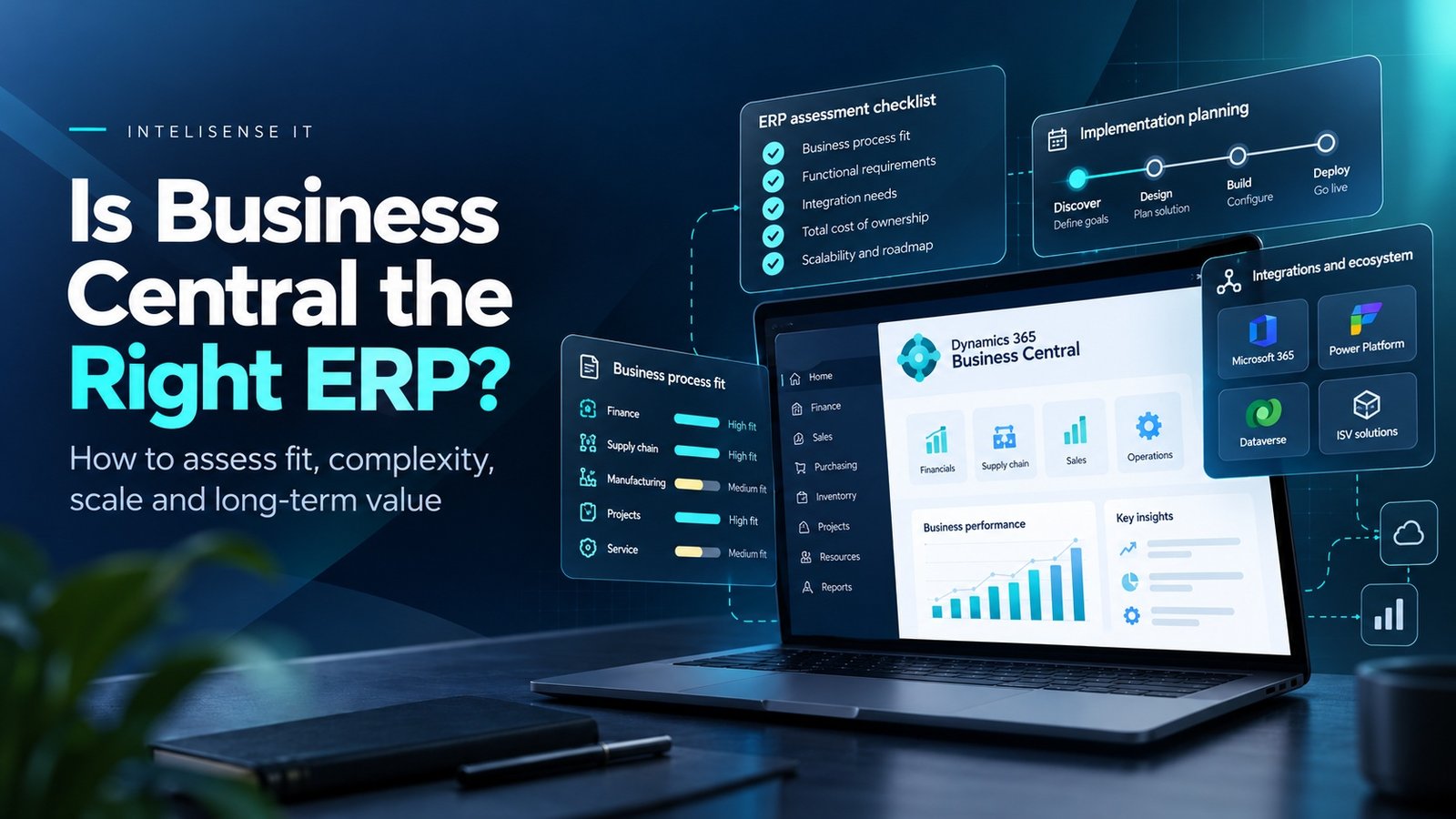
A useful ERP assessment therefore starts with the business model, not the product demonstration. It should be capable of concluding that Business Central is a good fit, that it needs defined extensions, or that another route would be safer.
Three key takeaways
- 1.Business Central is strongest when finance and operational processes can share one governed transactional core without excessive customisation.
- 2.Selection should test the difficult processes, data and integrations rather than scoring generic features that every modern ERP claims to support.
- 3.A good assessment is allowed to reject the product. The aim is a sustainable operating model, not simply a Microsoft implementation.
What Business Central is designed to do
Microsoft positions Business Central as a business management solution for small and mid-sized organisations. The product brings finance, sales, purchasing, inventory, projects, service management, warehousing and manufacturing into one application, with additional functionality available through Microsoft and partner extensions.
That breadth is important because the product is not simply an accounting package. It can become the transactional core for organisations that want finance and operations to work from the same customers, suppliers, items, orders and ledger entries.
The practical fit question is therefore not whether Business Central can produce an invoice or post a journal. It is whether the organisation's operating model can be represented cleanly enough in the product without turning implementation into a long custom-development programme.
Why Business Central is often a strong fit for growing organisations
Business Central can work well when an organisation has outgrown entry-level finance software but does not need the scale or operating complexity of a larger enterprise ERP.
Typical signals include growing transaction volumes, more than one warehouse or legal entity, formal purchasing controls, stock that needs tighter planning, projects that need financial control, manufacturing requirements, or a need to connect finance with Microsoft 365 and Power Platform.
Growth also exposes weak process ownership. A business may be using separate spreadsheets for pricing, stock, project tracking and management reporting. Moving those processes into one governed application can remove duplicated work and improve the quality of financial and operational information.
Where finance ends and operational ERP begins
A finance-led implementation can still be successful, but Business Central becomes more valuable when the design includes the processes that create the financial outcome.
Sales orders affect inventory and revenue. Purchase orders affect supply, cash and vendor performance. Manufacturing changes stock, capacity and cost. Projects create commitments, time and billable work. Warehouse decisions affect fulfilment and working capital.
When those processes remain outside the ERP, finance receives information later and often has to reconcile it manually. When they are designed together, the ledger becomes the financial expression of the operating process rather than a separate record created after the event.
Business Central Essentials and Premium are not the same operating model
Business Central is available in Essentials and Premium experiences. Premium adds functionality for manufacturing and service management on top of the broader finance and operations capabilities.
That matters during selection because manufacturing requirements should not be reduced to a checkbox. Bills of material, routings, work centres, capacity, production orders, subcontracting, quality and costing all affect whether the standard model fits the business.
Likewise, service organisations should examine how service items, service orders, resources, repair parts and contracts map to the actual operation. The right licence is only one part of the decision; process fit still needs to be tested.
When Business Central may not be the right answer
Business Central is not automatically the right ERP for every Microsoft customer. An organisation may have operating complexity that points elsewhere, such as very large-scale global processes, highly specialised industry requirements, extensive enterprise planning needs or a transaction model that depends on functionality outside the product's natural strengths.
Some organisations also have a problem that is not really an ERP problem. If the main requirement is sophisticated opportunity management, customer service, marketing automation, external portals or complex analytics, another Dynamics 365 or Power Platform application may be the better place to solve it.
A good assessment should therefore be willing to say no. Choosing Business Central because the organisation already uses Microsoft 365 is not enough on its own.
How many customisations are too many?
Customisation is not inherently bad. Business Central is designed to be extended through apps and AL extensions, and specialist functionality is often necessary.
The warning sign is when the implementation needs to recreate large parts of the organisation's existing system without challenging why they exist. Hundreds of bespoke fields, custom posting logic, duplicated master data and one-off integrations can turn an upgradeable cloud ERP into another legacy platform.
A better rule is to classify each requirement. Is it genuinely differentiating? Is it legally or operationally required? Can standard Business Central do it differently? Could Power Platform handle the user experience? Is an AppSource extension more maintainable than bespoke development?
Data quality can decide whether the implementation succeeds
Business Central depends on master data that users and integrations can trust. Customers, vendors, items, dimensions, posting groups, units of measure, locations and opening balances all influence the transactions that follow.
Migration programmes sometimes treat data as a technical extraction-and-load exercise. In practice, data decisions are business decisions. Duplicate customers, obsolete item records, inconsistent dimensions and unclear account mappings should be resolved before they are replicated into the new ERP.
A smaller, governed dataset is usually more valuable than moving years of poorly understood history simply because it exists.
What should happen to the systems around Business Central?
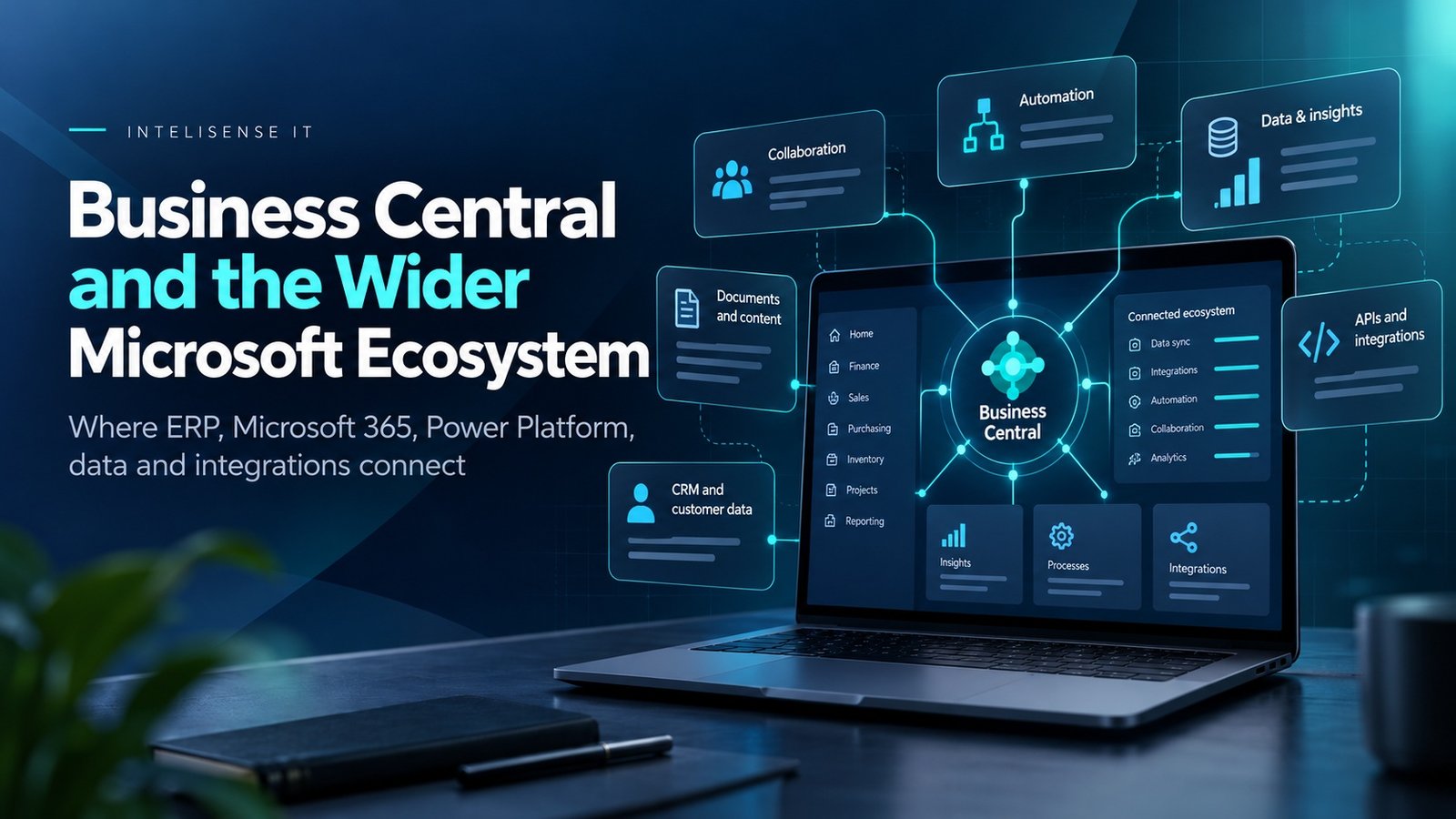
Business Central can connect with Microsoft 365, Power Platform, Dynamics 365 applications and external systems, so choosing the ERP is also an architecture decision.
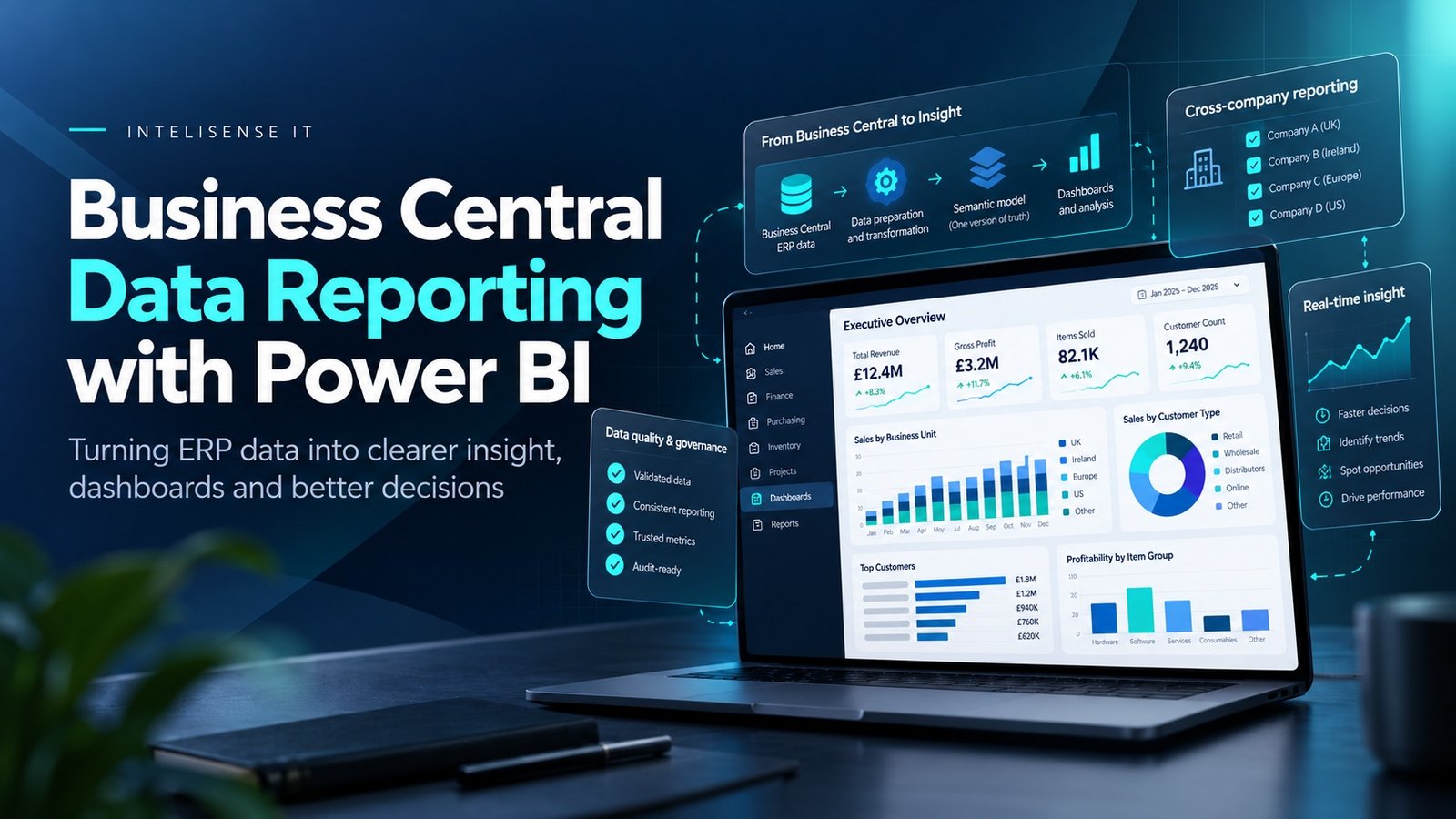
The assessment should identify the systems that will remain, the data each one owns and the integrations required between them. A warehouse system may remain because it handles specialist automation. A CRM may remain because it owns complex sales engagement. Power BI may become the management-reporting layer. Power Automate may orchestrate approvals or exceptions.
The objective is not to eliminate every application. It is to remove unnecessary duplication and make ownership clear.
How to assess Business Central before committing to a project
- 1.Map the critical business processes. Cover finance, order-to-cash, procure-to-pay, inventory, projects, service and manufacturing where relevant.
- 2.Identify the requirements that are genuinely distinctive. Separate statutory or competitive requirements from habits inherited from the old system.
- 3.Test those requirements against standard Business Central. Use representative transactions rather than sales demonstrations.
- 4.Review the data. Identify what should migrate, what should be cleansed and what should remain accessible as history.
- 5.Map integrations and system ownership. Decide which application owns each important record and process.
- 6.Assess extensions and customisation. Prefer standard capability or supportable extensions where they meet the requirement.
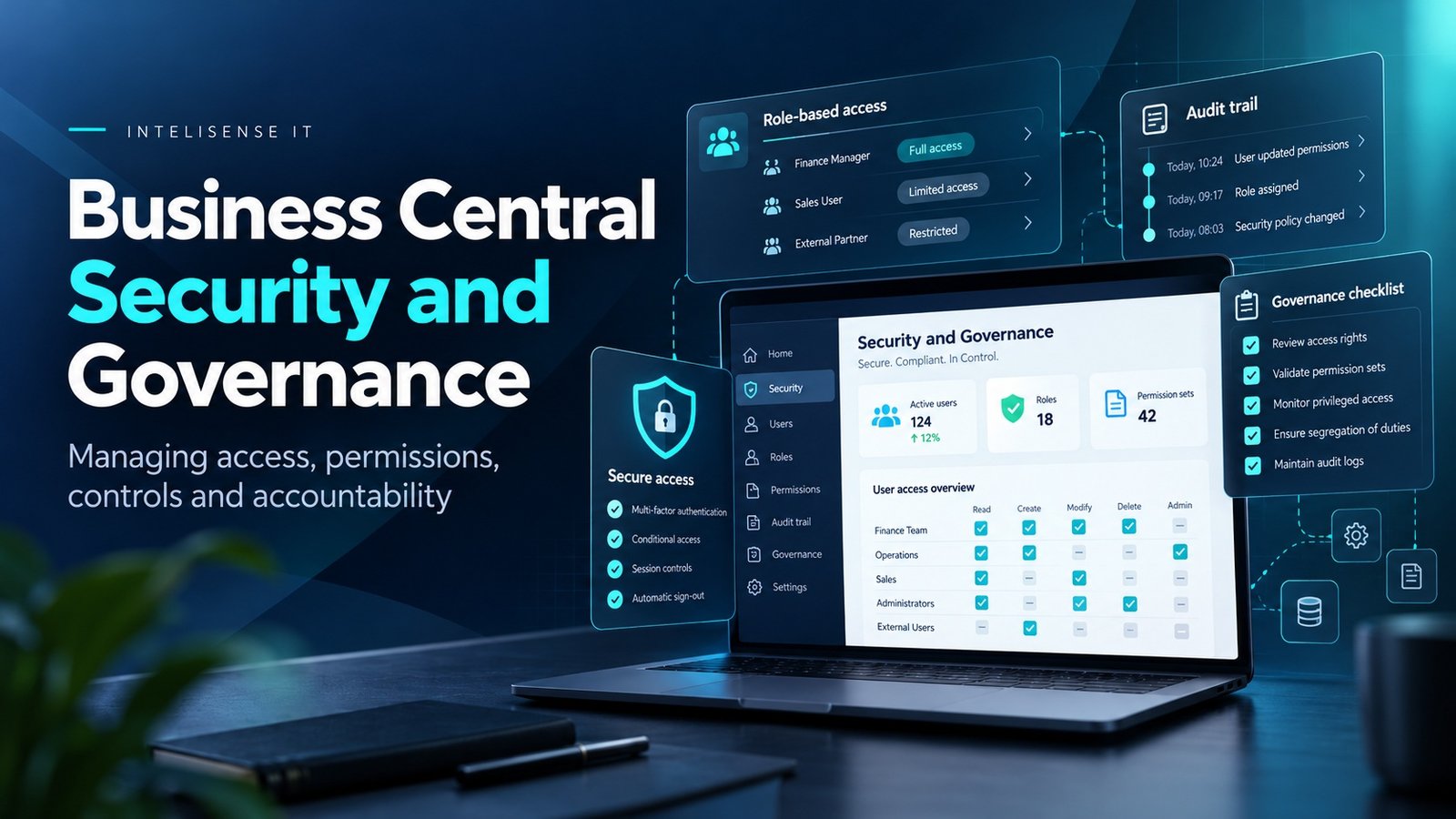
- 7.Define the operating model after go-live. Support, release management, security, data ownership and training all need named owners.
Implementation method matters as much as product fit
An organisation can choose the right ERP and still implement it badly. Scope can grow without control, data decisions can be postponed, testing can become a technical exercise and business ownership can disappear after design workshops.
A strong Business Central programme keeps the implementation tied to operational outcomes. Each workstream should have a named owner, an agreed definition of done and evidence that the process works with representative data and exceptions.
That also makes the programme easier to recover if delivery slips. Teams can distinguish a local obstruction from a structural problem because scope, ownership and acceptance criteria are visible.
What good fit looks like after go-live
The best evidence that Business Central was the right choice is not that the project went live on its planned date. It is that the organisation can operate the system without recreating the old manual work around it.
Users should know where the authoritative data lives. Finance should spend less time reconciling departmental records. Integrations should have clear owners. New releases should be manageable without a crisis. The business should be able to change roles, reports and processes without relying on undocumented knowledge held by one person.
That is what turns an implementation into a sustainable ERP platform.
Work with a Dynamics 365 Business Central partner in the UK
InteliSense IT helps UK organisations assess, implement, recover and support Microsoft Dynamics 365 Business Central. Our work begins with process fit, data and architecture rather than assuming the answer is a new ERP project.
We can run a Business Central fit assessment covering finance, operations, manufacturing, service, integrations, reporting, data migration, extensions and delivery readiness.
For organisations moving from Dynamics NAV or another legacy ERP, the assessment can also compare upgrade, migration and reimplementation options before scope and dates are committed.
Frequently asked questions
What type of business is Business Central designed for?
Microsoft positions Business Central for small and mid-sized organisations that need an end-to-end business management solution across finance and operations.
Is Business Central only an accounting system?
No. It includes finance, sales, purchasing, inventory, projects, warehousing, manufacturing, service management and related capabilities, depending on configuration and licence.
What is the difference between Business Central Essentials and Premium?
Premium adds manufacturing and service-management functionality to the wider Business Central application. The right choice depends on the processes the organisation needs to operate.
Can Business Central replace a legacy Dynamics NAV system?
Yes, but the route depends on the NAV version, customisations and migration strategy. Microsoft documents supported upgrade and cloud-migration paths, and some organisations may choose a reimplementation rather than carrying every historical customisation forward.
How much customisation is acceptable?
There is no fixed number. The important question is whether each extension has a clear business reason, can be supported through upgrades and avoids recreating unnecessary legacy behaviour.
Should we migrate all historic data?
Not automatically. The organisation should decide what is needed for statutory, operational and analytical purposes, and whether older information can remain in an accessible archive rather than the live ERP.
Start with a Business Central fit assessment
ERP selection should reduce uncertainty before the implementation begins. The output should identify what fits standard Business Central, what needs extension, what should remain in another system and what risks need to be resolved before a delivery date is credible.
InteliSense IT can review the current operating model and turn those findings into a practical Business Central scope, architecture and implementation plan.
Speak to InteliSense IT about a Business Central fit and readiness assessment.
Sources
Microsoft Learn - Welcome to Business Central https://learn.microsoft.com/en-gb/dynamics365/business-central/welcome
Microsoft Learn - Set up Business Central https://learn.microsoft.com/en-us/dynamics365/business-central/setup
Microsoft Learn - Migrate Dynamics NAV to Business Central online https://learn.microsoft.com/en-us/dynamics365/business-central/dev-itpro/administration/migrate-nav
Microsoft Learn - Upgrade considerations https://learn.microsoft.com/en-us/dynamics365/business-central/dev-itpro/upgrade/upgrade-considerations
Advisory note: This article was accuracy-checked on 15 October 2026. Business Central licensing, migration tooling, supported versions and product capabilities can change; confirm current Microsoft documentation before committing to a solution.