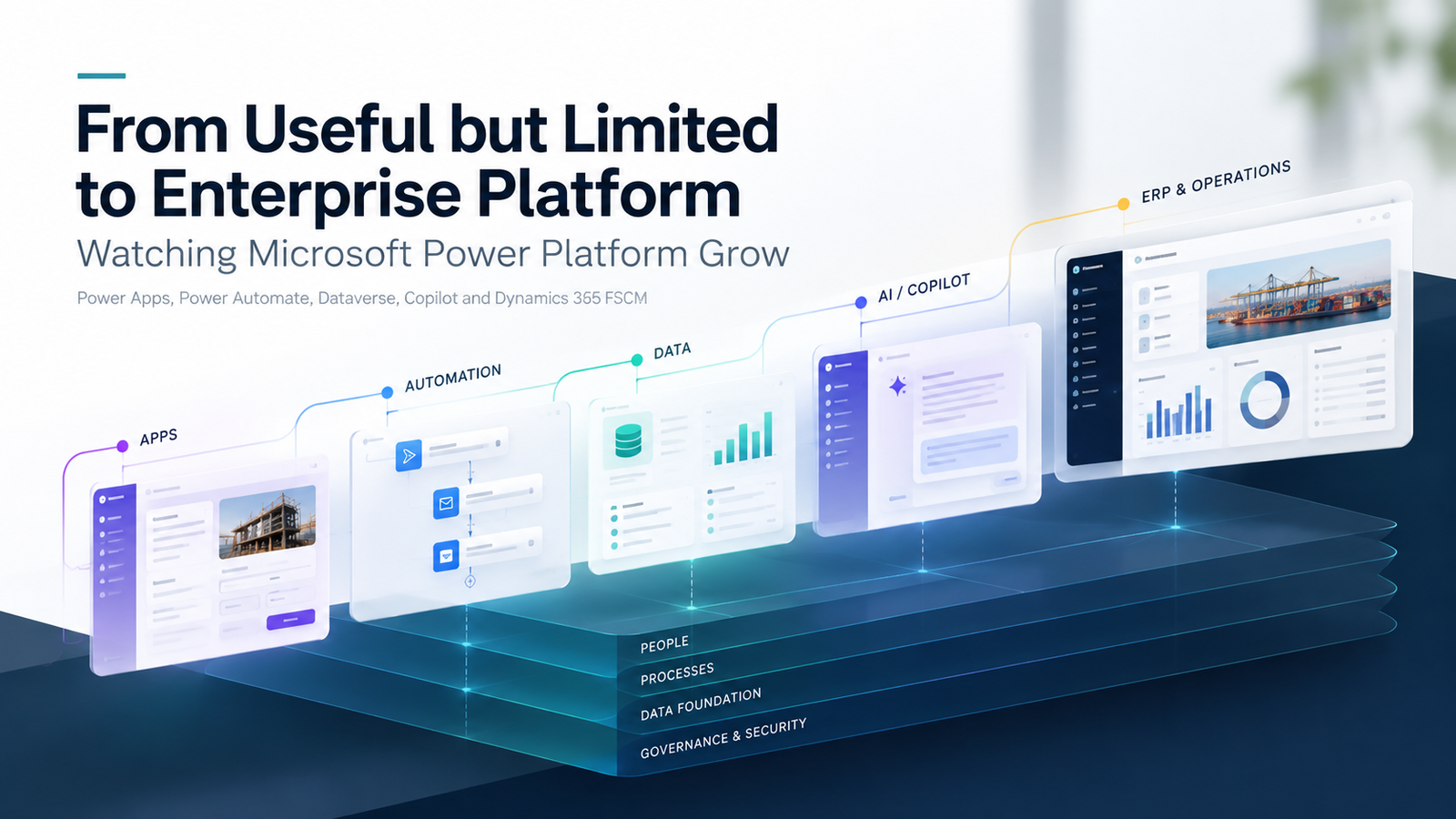
I have been around Microsoft Power Platform long enough to remember when it felt much smaller than it does today.
Back then, Power Apps and Power Automate were easy to think of as useful side tools. They could replace a spreadsheet, automate an approval, connect a few Microsoft services or give a team a simple internal app without going through a full development cycle.
Useful? Definitely. Strategic? I am not sure many people would have described it that way at the time.
The user experience was more limited, the tooling was less mature and administration could feel fragmented. You could see the potential, but you could also see the gaps.
That is what makes the platform's development so interesting.
Power Platform is no longer just something that sits alongside Microsoft's business applications. Increasingly, it is becoming part of the way those applications are administered, extended and connected.
For me, one of the clearest examples is what has happened with Dynamics 365 Finance and Dynamics 365 Supply Chain Management.
Three key takeaways
- 1.Power Platform has moved well beyond small departmental apps, but the more central it becomes, the more important governance, ownership and support become.
- 2.Bringing Finance and Operations administration closer to Power Platform does not remove application or integration boundaries; teams still need to decide how data and processes should connect.
- 3.Copilot changes how apps, flows and business information can be created and used, but it does not remove the need for testing, security and human review.
It started much smaller
My first experience of Power Platform was not with the expectation that it would eventually become such a significant part of Microsoft's enterprise application strategy.
The appeal was fairly simple. You could build an app without developing everything from scratch. You could automate a process that would otherwise be manual. You could connect Microsoft services together and take work that lived in emails, spreadsheets and conversations and turn it into something more structured.
That was powerful, but the platform still had obvious boundaries.
Some interfaces felt basic. Features you expected to exist were missing. Governance and administration were nowhere near as mature as they are now.
For many people, it was still just 'the low-code bit'.
That description feels far too small today.
The biggest change has been maturity
Over time, Microsoft kept filling in the gaps.
Power Apps became more capable. Power Automate grew well beyond basic workflow. Dataverse became increasingly important as a shared data platform, while Power Pages developed into a much stronger external-facing option.
At the same time, governance, security, environments, connectors, solutions and application lifecycle management all became more mature.
The platform also moved much closer to Dynamics 365.
Instead of Power Platform simply being something you could integrate with Dynamics, the separation between the two started to become much less obvious. Dataverse, Power Apps, Power Automate and Dynamics 365 increasingly felt like parts of the same ecosystem rather than independent products.
Microsoft's direction around Finance and Operations makes that especially clear. Microsoft now supports finance and operations apps within Power Platform environments, alongside other Dynamics 365 applications, low-code apps, flows, websites and Dataverse.
That is a very different proposition from the Power Platform many of us first used.
Finance and Supply Chain Management moving closer to Power Platform is a big moment
For anyone who has worked with Dynamics 365 Finance and Supply Chain Management for a while, Lifecycle Services has traditionally been a major part of the experience.
You provisioned environments there. You managed deployments there. You checked environment details there. Support processes were tied into it. It was simply part of working with Finance and Operations.
That model is changing.
Microsoft is moving more finance and operations administration towards the Power Platform administration experience. Existing environments can also be migrated through a preview process that changes the control plane used for lifecycle operations; Microsoft is clear that this does not move the database or materially change the underlying environment infrastructure.
To me, that says a lot about how Microsoft now sees Power Platform.
This is no longer just somewhere to build a small internal app. It is becoming part of the administration layer for some of Microsoft's most important enterprise applications.
Support moving there matters too
Another change that is easy to overlook is support.
Historically, Finance and Operations support requests were strongly associated with Lifecycle Services. Microsoft is retiring that support page and transitioning users to Help + Support in the Power Platform administration experience for submitting and viewing support requests.
On its own, that might sound like an administrative detail.
I do not think it is.
When environment management, support, applications, data, automation and governance all start moving closer together, it points to a much wider shift in how Microsoft expects customers and administrators to work.
Copilot has changed the direction again
Then there is Copilot.
When Power Platform first became popular, most of the conversation was about low-code. How quickly can we build an app? How much manual work can we remove? How much traditional development can we avoid?
AI has now become part of that same conversation.
Copilot in Power Apps can help makers create apps and Dataverse tables using natural language. Power Automate can use Copilot to help create and refine flows, while Copilot Studio extends that direction into agents and conversational experiences.
What I find particularly interesting is that Copilot is not sitting separately from the Dynamics estate.
Microsoft now documents Copilot capabilities across Dynamics 365 Finance and Dynamics 365 Supply Chain Management in areas including collections, summaries, planning, purchasing and warehouse operations. The exact capability, licensing and prerequisites vary, so each use case still needs to be checked before adoption.
That is a long way from the Power Platform I first knew.
Originally, the selling point was that a user could build something with less code. Increasingly, the direction is that a user can describe what they need in natural language and AI can help build, analyse, summarise or automate it.
That is one of the clearest reasons Power Platform has become strategically important. If applications, automation, data, Dynamics workloads and AI all sit closer together, Power Platform becomes one of the layers connecting them.
One environment is becoming much more important
One of the biggest differences between the traditional Finance and Operations model and the newer Power Platform approach is the environment itself.
Historically, Finance and Operations environments could feel quite separate from the rest of the Dynamics estate.
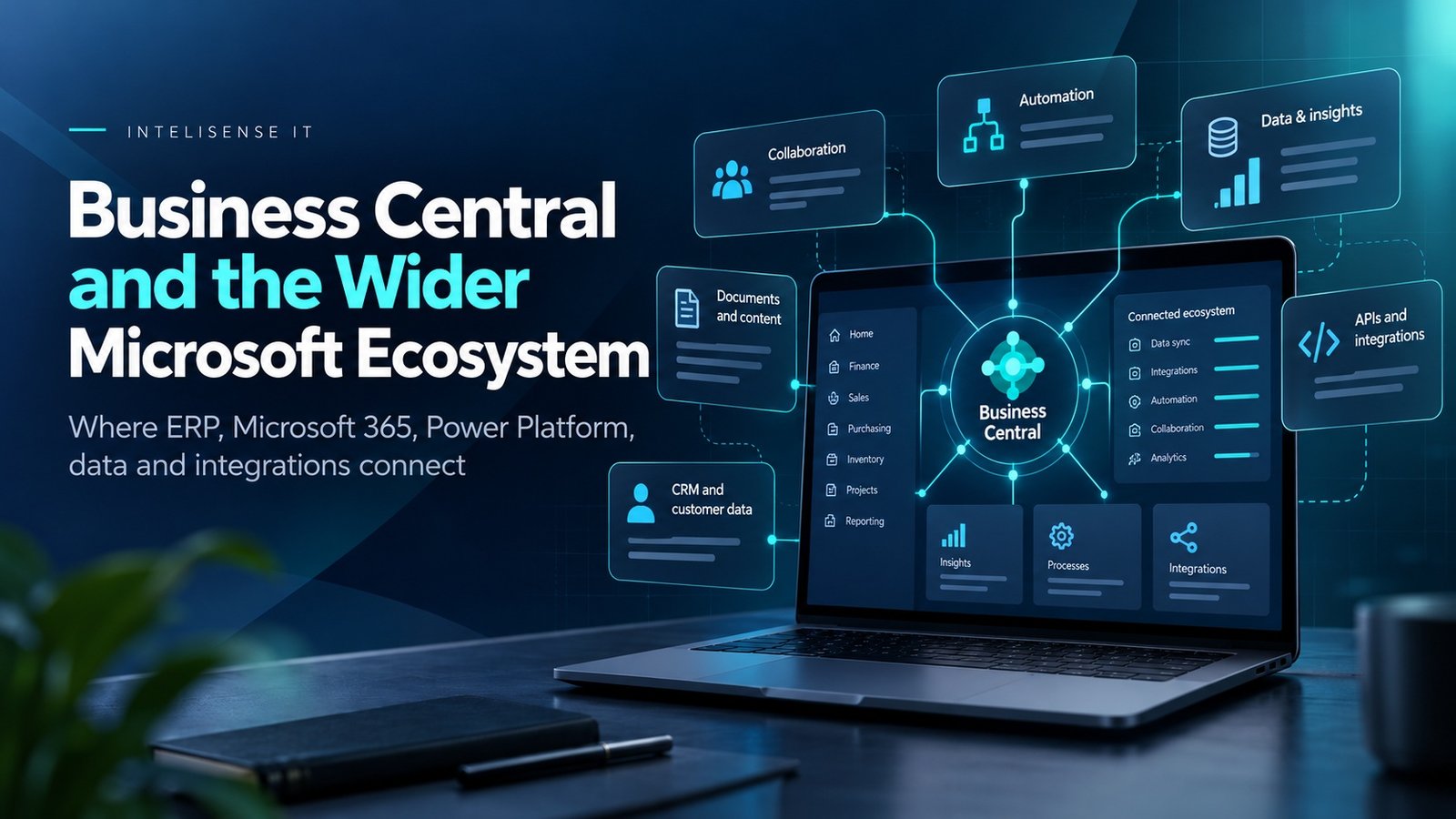
The newer model is more unified. Finance, Supply Chain Management and other finance and operations applications can exist in the same Power Platform environment as other Dynamics 365 applications, Power Apps, Power Automate flows and other low-code components.
That changes the way you think about business applications, but it does not mean all of those applications suddenly become one system or one data model.
You still need to decide where data should live and how processes cross application boundaries. Microsoft continues to document approaches such as virtual tables, dual-write, business events, data events and APIs for those scenarios.
So instead of only asking, 'How do I integrate this system with that system?', the question becomes broader: 'What should sit together, what should remain separate, and how do we manage the connections properly?'
It has also changed what development looks like
Another thing I have noticed over the years is how much the definition of development has changed around Microsoft business applications.
There used to be a fairly hard separation. Developers developed. Consultants configured. Administrators administered. Users used the system.
Power Platform has blurred those lines.
A consultant can build an app. An administrator can create automation. A functional person can build a flow around a business process. A developer can extend those solutions properly when the requirement becomes more complex.
Copilot pushes that even further because natural language is becoming another way of interacting with the development experience.
That does not remove the need for developers.
If anything, the more important Power Platform becomes, the more important good development practices become too.
Solutions still need governance. Changes need testing. Environments need controls. Security roles need to be designed properly. Flows need to be supportable. Apps need to be maintainable. AI-generated solutions still need reviewing.
Low-code does not mean no discipline, and Copilot does not mean no oversight.
The user experience has come a long way
The user experience is probably one of the easiest changes to notice.
Earlier Power Apps often looked and felt like Power Apps. You could normally tell straight away that something had been built quickly on top of the platform.
That is much less true now.
Model-driven apps have improved. Canvas apps are more capable. Modern controls and responsive layouts have improved what can be built. Power Automate is far more mature, Dataverse integration is stronger and the administration experience is much more comprehensive.
There are still inconsistencies, which is probably inevitable in an ecosystem as large as Microsoft's, but the overall direction is obvious.
There are still challenges
None of this means Power Platform is perfect.
In some ways, the larger the platform becomes, the more important governance becomes.
It is very easy to build something. That does not always mean it should be built.
Organisations still need to know who owns an app, who supports it, what happens if the person who built it leaves, which connectors it uses, where its data is stored, who can access it, how changes move between environments, what happens when a flow fails and how AI-generated content or actions are governed.
A simple example would be a manufacturer with three sites using Dynamics 365 Finance and Supply Chain Management. A Power App for shop-floor exceptions might be easy to build, but before rolling it out the business still needs to decide who owns the process, which system is the source of truth, what happens when connectivity fails, how changes are tested and who supports the app at 7am when production starts.
Those questions become more important, not less, as Power Platform moves closer to the centre of the business.
Its flexibility is one of its biggest strengths.
Without governance, that same flexibility can also become one of its biggest weaknesses.
What I would do next
For organisations already using Dynamics 365 and Power Platform, I would not start by enabling every new feature. I would start by looking at the current estate and asking a few practical questions.
- Which Power Apps, flows, integrations and Dynamics 365 environments are already business critical?
- Who owns each process, its data and its support when something goes wrong?
- Where are there duplicated integrations, manual workarounds or unclear sources of truth?
- Which one process would make a sensible, controlled candidate for further Power Platform or Copilot adoption?
- What needs to be tested around security, data quality, deployment, licensing and support before that change reaches production?
That gives you evidence for the next decision rather than simply adding more technology because it is available.
My view after watching it develop
The biggest change for me is not any one feature.
It is how seriously the platform is now being treated.
Power Platform has gone from something that could quickly solve a small business problem to something Microsoft is using as part of the management, extension and AI strategy for enterprise business applications.
That is a significant journey.
You remember when features were missing. You remember when some of the interfaces were frustrating. You remember when people questioned whether low-code belonged anywhere near critical business processes.
Then you reach a point where Power Platform is being used to help administer Dynamics 365 Finance and Supply Chain Management environments, support business processes with Copilot, and provide a foundation for apps, automation, data and agents.
That probably tells you more than any product announcement about how far it has come.
For me, the question now is not whether Power Platform has a place in enterprise systems. It is how organisations use that power without losing control of ownership, data, security and support.
If you are already using Dynamics 365 and Power Platform, InteliSense IT can review the current environment, integrations, governance and support model and help identify where the platform could simplify a real process without adding unnecessary complexity.
Sources and further reading
- Microsoft Learn - Overview of unified admin experience for finance and operations apps
- Microsoft Learn - Migrate finance and operations environments from Lifecycle Services to Power Platform admin center (preview)
- Microsoft Learn - Migration of the Lifecycle Services Support experience to Power Platform admin center
- Microsoft Learn - Unified developer experience for finance and operations apps
- Microsoft Learn - Build apps through conversation with Copilot in Power Apps