How to make Business Central the operational core without forcing every workflow, interface and report into the ERP
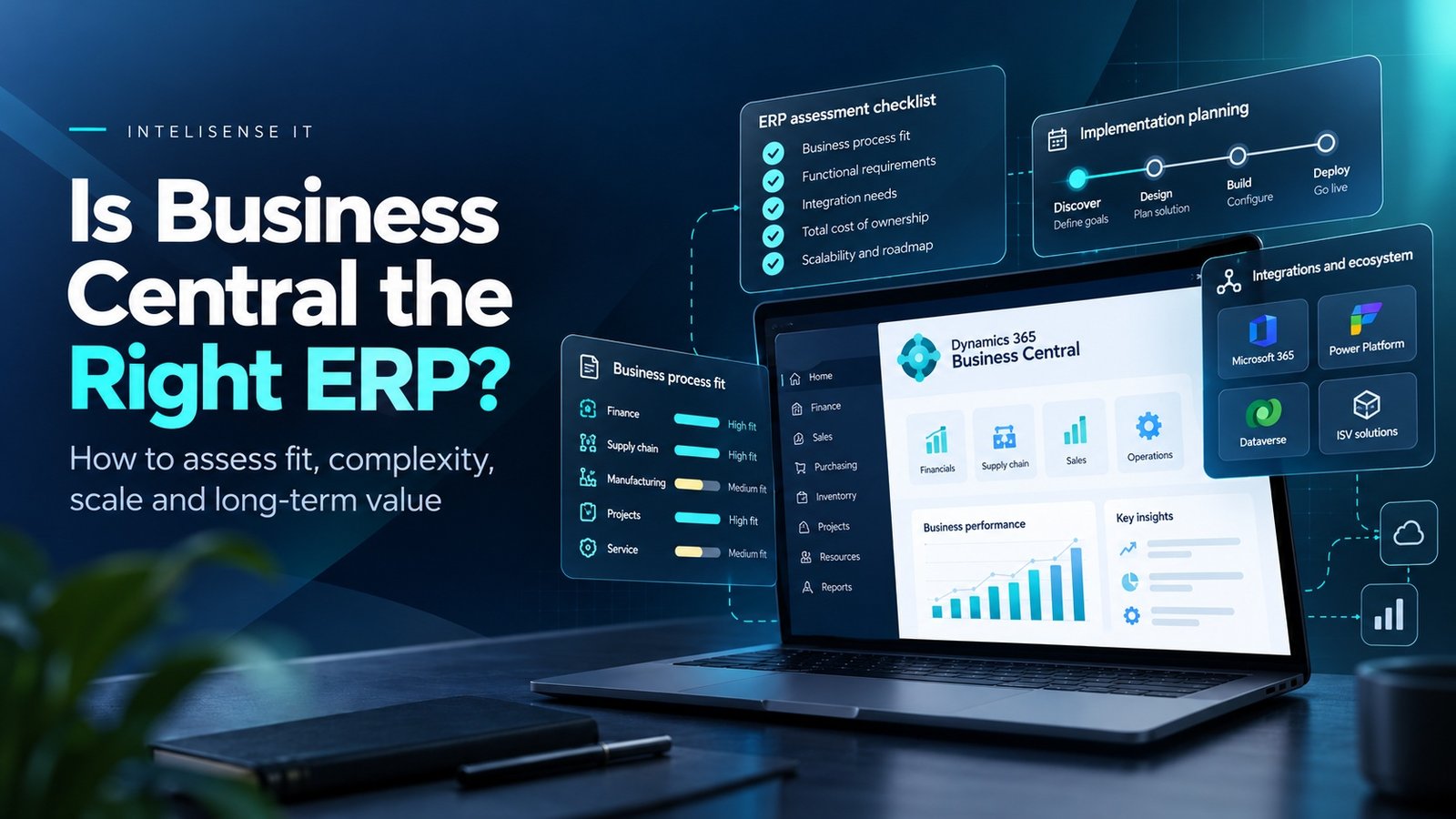
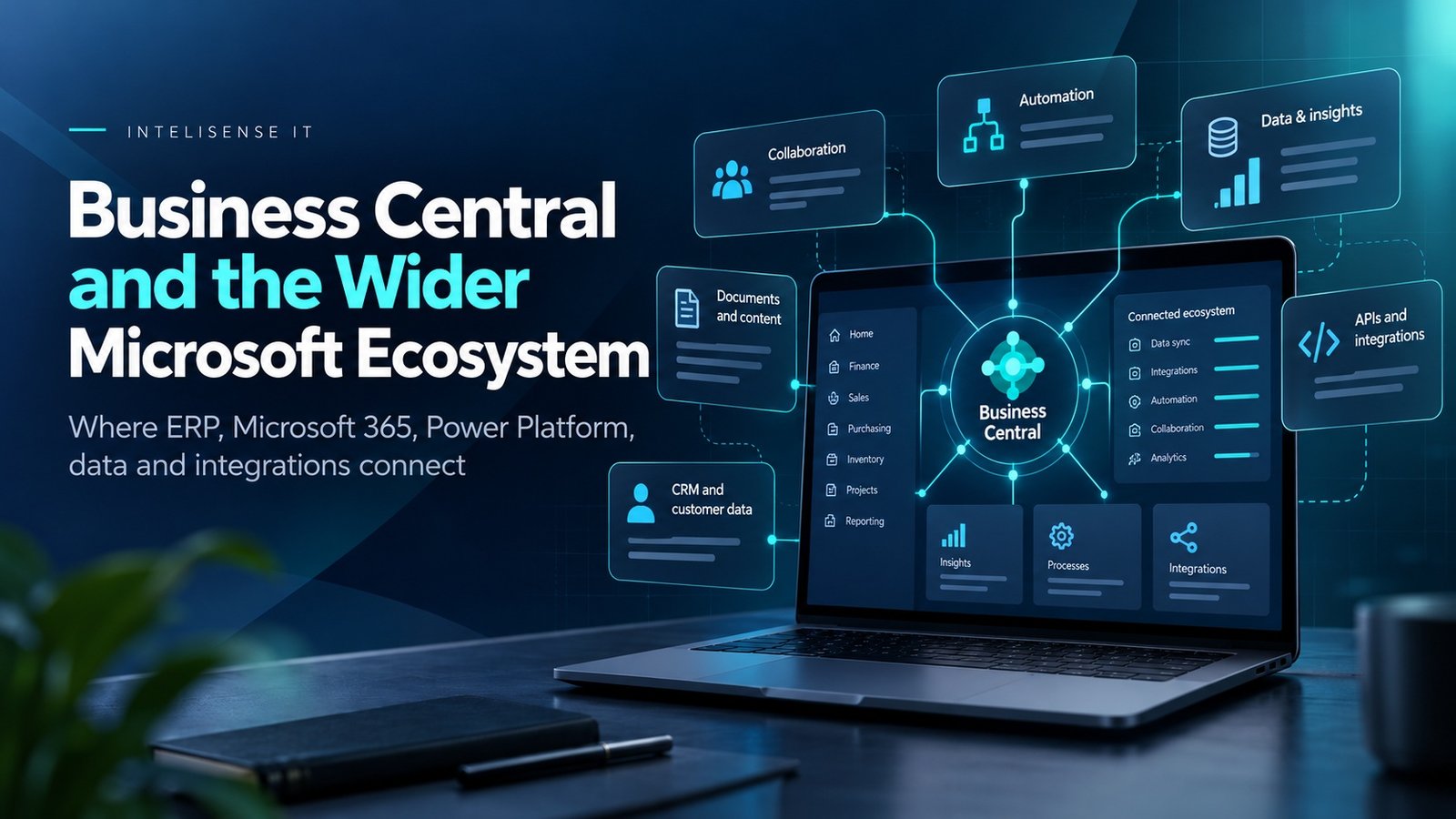
Business Central becomes more useful when it stops being treated as an isolated finance application. The platform can sit at the centre of purchasing, inventory, sales, projects and manufacturing while Microsoft 365, Power Platform, Dataverse and other systems provide different parts of the user experience.
The goal is not to connect everything to everything. It is to decide which system owns each process and then make information available where people need to work.
That distinction matters because integration projects fail just as easily from unclear ownership as from technical errors. A customer record synchronised between several applications is only useful when the organisation knows which one is authoritative.
Three key takeaways
- 1.Business Central should own the ERP transactions it is best suited to, while Microsoft 365 and Power Platform can provide complementary interfaces, workflow and analysis.
- 2.Dataverse provides several integration patterns for connecting Business Central with the wider Dynamics 365 estate, including synchronisation, virtual tables and events.
- 3.Every integration needs explicit data ownership, security, monitoring and exception handling. Connectivity alone does not create a reliable operating model.
Business Central should be a system of record, not a system that tries to do everything
Business Central covers finance, sales, purchasing, inventory, warehousing, projects, manufacturing and service management. That breadth is useful, but it can tempt organisations to treat the ERP as the place where every workflow, interface and piece of reporting must live.
A better architecture starts by deciding what Business Central should own. Core financial and operational transactions may belong there. A customer-facing portal may belong in Power Pages. A lightweight mobile process may be better in Power Apps. A complex sales process may belong in Dynamics 365 Sales. Enterprise analytics may belong in Power BI or Microsoft Fabric.
The objective is not to minimise Business Central. It is to give each platform a clear role so the organisation has one operating model rather than a collection of overlapping applications.
Microsoft 365 brings Business Central into the flow of work
Microsoft documents native integration with Excel, Outlook, Teams, Word and OneDrive. The value is not the existence of another connector. It is that users can work with ERP information without constantly switching context.
A finance user can analyse a Business Central list in Excel. A salesperson can work with customer information from Outlook. A team can share a Business Central record in Teams. Documents can be generated from Word templates or stored and shared through OneDrive.
This matters because adoption often fails at the edge of the ERP. The process is technically available, but users fall back to email and spreadsheets because those are the tools where their work actually happens. Integration with Microsoft 365 can close that gap if the process and permissions are designed properly.
Power Automate can connect Business Central processes without hard-coding every workflow
The Business Central connector allows Power Automate to interact with Business Central through supported APIs. That makes it useful for approval, notification and orchestration scenarios where the ERP should remain the system of record but does not need to host every step of the user experience.
A purchase request can trigger an approval. A new customer can launch a data-quality check. An exception can notify the right team in Teams. A process can move data between Business Central and another supported service.
The design still needs discipline. A flow should have a named owner, an error path, clear credentials and idempotent behaviour where repeated execution could otherwise create duplicates.
Power Apps can extend the user experience without rebuilding the ERP
Some users need only a narrow slice of Business Central data. A warehouse worker may need a mobile screen for a specific task. A field user may need to capture information quickly. A manager may need a simple exception app rather than the full ERP client.
Power Apps can provide that tailored experience while using Business Central data and business logic through the connector or through Dataverse, depending on the architecture.
The important control is ownership. A Power App should not quietly become a second master system. The team should define what data is read, what data can be changed and which system owns the final record.
Dataverse is the bridge to the wider Dynamics 365 estate
Microsoft documents four complementary integration patterns between Business Central and Dataverse: data synchronisation, data virtualisation, data-change events through webhooks and business events.
That makes Dataverse especially important when Business Central needs to work with Dynamics 365 Sales, Field Service, Power Apps or Power Pages. Customer, product or other shared data can be synchronised where duplication is acceptable, or virtual tables can expose Business Central data without copying it.
No pattern is universally better. Synchronisation creates a copy that needs conflict and ownership rules. Virtualisation reduces duplication but still depends on availability and performance. Events are useful for orchestration but require robust downstream handling.
How Business Central and Dynamics 365 Sales can divide responsibility
Business Central and Dynamics 365 Sales overlap around customers, products, quotes and orders, but they serve different operating purposes. Sales is usually the stronger place for opportunity management, account engagement and pipeline activity. Business Central is the stronger system for financial customers, inventory, fulfilment and posting.
A clear model might allow sales teams to qualify and progress opportunities in Dynamics 365 Sales, then use synchronised or connected Business Central data for stock, pricing, credit and order fulfilment.
The worst outcome is not having two systems. It is having two systems without agreed ownership, so users cannot tell which customer record, price or order is authoritative.
Power BI and Fabric change what 'ERP reporting' needs to mean
Business Central includes reporting and analysis, but many organisations need to combine ERP information with CRM, service, marketing, workforce or operational data.
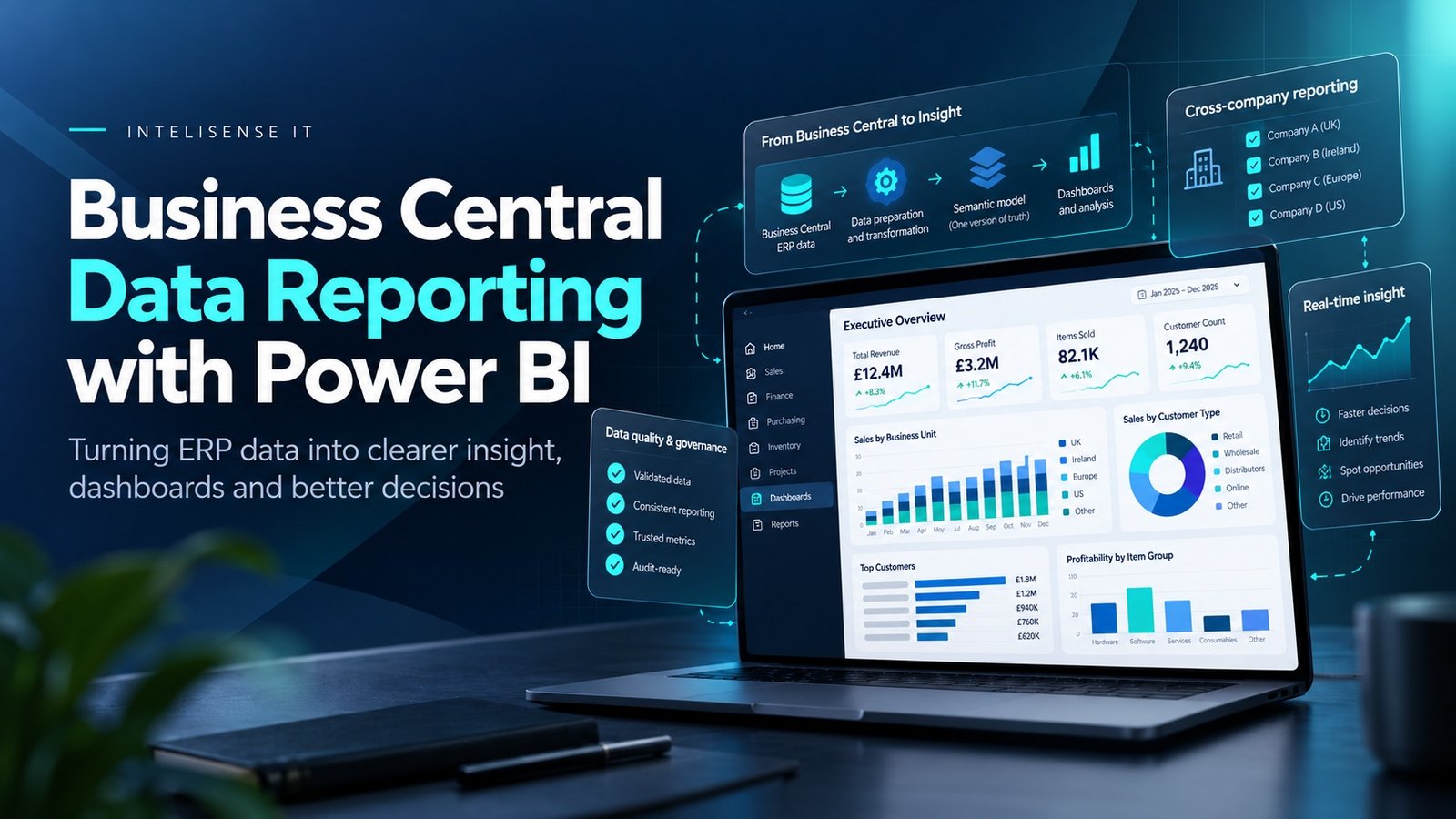
Power BI can connect to Business Central and reports can also be surfaced back inside the Business Central experience. Microsoft Fabric is a separate wider analytics platform that can be used when an organisation needs broader data engineering, analytics and shared data-platform capabilities across Business Central and other sources.
That means the ERP does not need to answer every strategic reporting question directly. Business Central can remain authoritative for its transactions while a governed analytical platform combines those records with other sources.
External systems still belong in the architecture
A Microsoft-first estate does not mean every application must be a Microsoft application. Ecommerce, EDI, banks, warehouse automation, specialist manufacturing, logistics and industry platforms may all remain important.
The design question is how those systems exchange data with Business Central safely and predictably. APIs, middleware, Power Platform, Dataverse and purpose-built integrations can all be appropriate depending on volume, latency, complexity and ownership.
Every integration should define the system of record, transformation rules, retry behaviour, monitoring and support ownership. Without those decisions, an integration can work technically while still creating operational ambiguity.
A practical way to map the wider Business Central universe
- 1.List the business processes, not the applications. Start with order-to-cash, procure-to-pay, inventory, projects, service and reporting.
- 2.Name the system of record for each important object. Customer, supplier, item, price, order and invoice ownership should be explicit.
- 3.Decide where users should work. The right interface may be Business Central, Teams, Outlook, Power Apps, Sales or another specialist system.
- 4.Choose the integration pattern. Synchronise, virtualise, call an API or publish an event based on the process need.
- 5.Design monitoring and support. Every connection needs an owner, failure path and recovery process.
- 6.Review data governance. Integration should not multiply uncontrolled copies of sensitive or poor-quality data.
When integration becomes over-engineering
Not every manual handoff needs a platform project. A process that happens twice a year may not justify a complex integration. Equally, copying every Business Central table into another platform because it is technically possible can create cost and governance problems without improving the business process.
The useful test is operational: does the integration remove repeated work, improve control, reduce latency or provide information that a user genuinely needs in another application?
If the answer is unclear, the architecture probably needs another pass before development starts.
Work with a Dynamics 365 Business Central partner in the UK
InteliSense IT helps organisations design Business Central as part of a wider Microsoft and enterprise architecture rather than treating integration as a final technical workstream.
Our consultants can define system ownership, integration patterns, Power Platform use, Dataverse design, Dynamics 365 Sales connectivity, reporting architecture and support responsibilities around the processes that matter to the business.
We also help organisations simplify inherited integration estates where duplicate interfaces, unclear data ownership or unsupported custom connections are creating cost and operational risk.
Frequently asked questions
Can Business Central integrate with Microsoft 365?
Yes. Microsoft documents integrations with Excel, Outlook, Teams, Word and OneDrive so users can work with Business Central data in familiar productivity tools.
Can Power Automate connect to Business Central?
Yes. The Business Central connector allows Power Automate and related services to work with Business Central APIs for workflow and automation scenarios.
Can Business Central integrate with Dynamics 365 Sales?
Yes. Business Central can integrate with Dynamics 365 Sales through Dataverse, allowing agreed data to be connected or synchronised between the applications.
What is the role of Dataverse with Business Central?
Dataverse can support data synchronisation, virtualisation, data-change events and business events, making it a common integration layer for Dynamics 365 and Power Platform scenarios.
Can Power BI report on Business Central data?
Yes. Power BI can connect to Business Central data, and Power BI reports or visuals can also be embedded into Business Central pages.
Should every Business Central integration use Power Platform?
No. The right approach depends on the process, volume, latency, ownership and support model. Native APIs, Dataverse, Power Platform, middleware or specialist integrations can all be appropriate.
Design Business Central around the wider operating model
A good integration roadmap begins with process ownership and data ownership, then selects technology. That keeps Business Central focused on the work it should own and prevents Power Platform, Dataverse or external systems from becoming uncontrolled copies of the ERP.
InteliSense IT can assess the current application landscape, map integration dependencies and design a practical target architecture around Business Central and the wider Microsoft estate.
Speak to InteliSense IT about a Business Central integration and architecture assessment.
Sources
Microsoft Learn - Business Central integration overview https://learn.microsoft.com/en-us/dynamics365/business-central/integration-overview
Microsoft Learn - Integrate with Microsoft 365 https://learn.microsoft.com/en-us/dynamics365/business-central/m365-integration-overview
Microsoft Learn - Integrate with Microsoft Power Platform https://learn.microsoft.com/en-us/dynamics365/business-central/powerplatform-integration-overview
Microsoft Learn - Integrating with Microsoft Dataverse https://learn.microsoft.com/en-us/dynamics365/business-central/dev-itpro/developer/dataverse-integration-overview
Advisory note: Integration architecture was accuracy-checked against current Microsoft documentation on 15 October 2026. Licensing, API behaviour, preview features and supported integration patterns can change.