A practical guide to version 29.0, Copilot changes, Payables Agent updates, MCP data queries and release readiness
Microsoft Dynamics 365 Business Central 2026 release wave 2 is more useful as a planning exercise than as a feature checklist. Version 29.0 brings deeper Copilot integration, more capable agent scenarios and new ways for AI tools to query Business Central data, but the availability status still varies by feature.
The release is also a reminder that Business Central change management is becoming continuous. Microsoft now publishes new capabilities through the AI at Work roadmap, while minor updates continue to arrive monthly.
The useful question for customers is therefore not which features are new. It is which changes solve a real problem, which ones need testing and which ones should be left alone.
Three key takeaways
- 1.Version 29.0 introduces changes across Copilot, Payables Agent and MCP data-query capability. Microsoft Copilot in Business Central is still a production-ready public preview, while the Payables Agent matching improvement and MCP data-query capability are listed as generally available.
- 2.Release planning is becoming continuous. Microsoft is moving new Business Central capability disclosure from traditional Release Plans to the AI at Work roadmap.
- 3.Sandbox testing should cover extensions, integrations and business-critical processes. A successful update is one that preserves the operating model, not simply one that installs.
What 2026 release wave 2 actually means
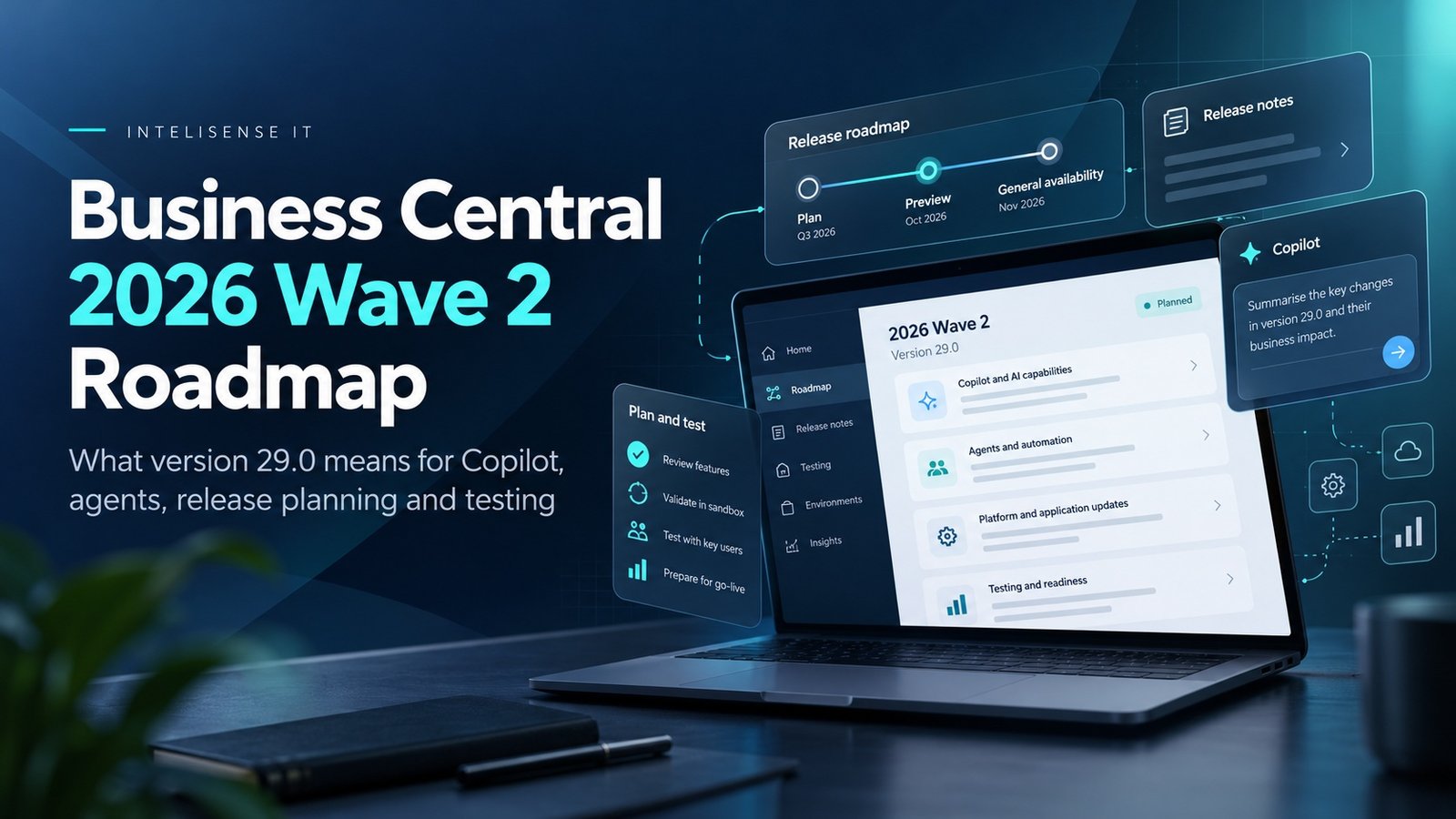
Business Central 2026 release wave 2 is version 29.0. Microsoft now lists version 29.0 as the current major release for the wave. New online customers receive version 29.0, while existing customers are notified when the update is available and can schedule it within Microsoft's update window.
Feature status still matters. Version 29.0 contains a mixture of generally available and preview capabilities, so each feature should be checked individually rather than assuming the whole release has one availability state.
That means organisations should still use sandboxes to test and learn before enabling material changes in production, especially where a capability remains in preview or affects critical finance and operational processes.
The roadmap itself is changing
One of the less obvious changes is how Microsoft publishes what is coming. Microsoft states that from September 2026, new Business Central capabilities move away from the traditional Release Plans into the AI at Work roadmap.
That changes the release-management habit for customers and partners. A twice-yearly document is no longer the only planning source. Teams need an ongoing process for monitoring roadmap changes, preview availability and monthly minor updates.
For governance, this makes ownership important. Someone should be responsible for turning roadmap information into a business decision: adopt, pilot, monitor or ignore.
A unified Copilot experience is moving closer to the wider Microsoft ecosystem
Business Central version 29 replaces the previous Chat with Copilot experience with Microsoft Copilot in Business Central. Microsoft describes this as a production-ready preview that can answer questions about Business Central data and help users with tasks and product knowledge. Depending on licensing and configuration, the wider Microsoft Copilot experience can also use work data and web search.
The practical opportunity is context. A user should not need to leave the ERP every time they want to interpret a record or ask a business question. The risk is also context: once business data and broader sources sit in the same interaction, permissions, grounding and user judgement matter even more.
Organisations should test what data the experience can reach, how sources are presented and where human review remains necessary before treating Copilot output as part of a controlled process.
The Payables Agent is becoming more operationally specific
Microsoft lists improved purchase-order matching in the Payables Agent as generally available in version 29.0. The matching now uses line amounts and expected receipt dates and aligns draft finalisation with Receipt on Invoice controls.
This is a good example of how agent functionality is moving from demonstration towards the details that determine whether finance teams can actually use it. Matching a document is not enough; the result has to respect purchasing data, receipt behaviour, accounting controls and the exceptions that exist in the real process.
Customers already evaluating Payables Agent should therefore test the improved matching against their own purchase orders, partial receipts, tolerances and invoice patterns rather than assuming the update removes the need for control design.
MCP is widening the ways AI tools can work with Business Central data
Version 29.0 lists MCP data-query capability as generally available. Business Central's MCP server can expose read-only data-query tools that let authorised agents find tables, inspect schema and relationships, and run queries directly against Business Central data when the configured MCP experience permits it.
That expands what agent and AI scenarios may be able to do, but it also raises a familiar governance question: which data should the tool be allowed to query, under whose identity and for what purpose?
An MCP connection should be treated like any other integration. Permissions, logging, data sensitivity, failure handling and ownership need to be designed before an AI tool is allowed to depend on it.
Why sandbox testing matters more than reading the feature list
For release testing, use a sandbox that reflects the real estate as closely as practical. Testing an updated or representative sandbox is particularly useful because extensions, setup and realistic data expose compatibility issues that a clean demonstration environment may not.
A release review should test the business processes that matter most: posting, purchasing, sales orders, inventory, warehouse activity, manufacturing, integrations, scheduled jobs, document outputs and critical reports.
The objective is not to prove every screen still opens. It is to prove that the processes which would disrupt the business if they failed still work with the new version.
Every extension should be asked whether it still needs to exist
Major releases are a useful point to challenge old customisation. A feature that required AL development two years ago may now be available in standard Business Central, Microsoft 365 or Power Platform.
That creates an opportunity to reduce technical debt. Retiring an unnecessary extension can reduce upgrade effort, testing scope, support complexity and dependency on bespoke code.
The test should therefore be two-sided: does the customisation still work, and is it still needed?
Integration testing should be part of release testing, not an afterthought
Business Central increasingly sits inside a connected estate. Microsoft 365, Power Automate, Power Apps, Dataverse, Dynamics 365 Sales, ecommerce and external platforms may all depend on Business Central APIs or events.
A new Business Central version can be technically healthy while a downstream workflow fails because a field, permission, extension or assumption changed.
Release testing should therefore include authentication, API behaviour, mappings, event handling, retries and monitoring across every significant integration.
How to decide what to adopt
- 1.Adopt when the feature solves a known problem, is generally available and has acceptable operational risk.
- 2.Pilot when the capability looks valuable but needs controlled testing with real data, users and exceptions.
- 3.Monitor when the direction is relevant but the feature is too early, too narrow or not yet justified.
- 4.Ignore when the feature does not address a meaningful business requirement. A release is not a backlog of mandatory work.
What Business Central teams should do as 29.0 rolls into production
- 1.Confirm the current production version, extension list and significant integrations.
- 2.Create or update a representative sandbox on version 29.0 before enabling material changes in production.
- 3.Run business-critical process tests using representative data and real extensions.
- 4.Review Copilot, agent and MCP capabilities against identity, permission and governance requirements.
- 5.Identify customisations that standard functionality may now replace.
- 6.Agree which features are adopt, pilot, monitor or ignore before production rollout.
- 7.Document owners, rollback paths and support responsibilities for the changes that will be enabled.
The release cycle should become an operating rhythm
Business Central receives major release waves and monthly minor updates. The organisations that handle this well do not treat every release as a new project. They maintain an operating rhythm for reviewing changes, testing the important processes and deciding what is worth adopting.
That discipline prevents two common extremes: enabling new functionality simply because Microsoft released it, or ignoring the roadmap until an update creates an unexpected problem.
A controlled release process keeps the ERP current without turning every update into disruption.
Work with a Dynamics 365 Business Central partner in the UK
InteliSense IT helps organisations prepare for Business Central updates by reviewing extensions, integrations, permissions, critical processes and the new functionality that may be worth adopting.
Our consultants can create a release-readiness plan, test a representative sandbox, identify customisations that can be retired and assess Copilot or agent features against the organisation's control model.
For customers coming from Dynamics NAV or an older Business Central environment, the same exercise can support a wider upgrade or migration roadmap rather than treating the latest release as an isolated technical event.
Frequently asked questions
When is Business Central 2026 release wave 2?
Business Central 2026 release wave 2 is version 29.0. Microsoft now lists 29.0 as the current major release for the wave, while individual capabilities still have their own availability states. Check current Microsoft documentation before planning production use.
What is new in Business Central version 29.0?
Microsoft's preview documentation lists a unified Copilot experience, improvements to Payables Agent purchase-order matching and new MCP tools for defining and running custom data queries, among other changes.
Can we test version 29.0 before production?
Yes. Microsoft supports 29.0 preview sandbox environments and allows existing sandboxes to be updated to the preview version for compatibility testing.
Are preview features safe to use in production?
No. Microsoft states that preview features are prerelease, may have restricted functionality and are not intended for production use.
Are Business Central Release Plans being discontinued?
Microsoft states that new Dynamics 365, Power Platform and Dataverse capabilities move to the AI at Work roadmap from September 2026, while existing Release Plans remain available for historical reference.
Should every Business Central customer enable new Copilot and agent features?
No. Adoption should depend on the business problem, data quality, permissions, governance, licensing and evidence from controlled testing.
Prepare Business Central for the next release wave
The organisations that get the most from Business Central releases are not necessarily the fastest adopters. They are the ones that know which processes matter, which integrations carry risk and which new capabilities justify operational change.
InteliSense IT can assess your current Business Central environment, test version 29.0 readiness and build a practical roadmap around the features that are relevant to your organisation.
Speak to InteliSense IT about a Business Central upgrade and release-readiness assessment.
Sources
Microsoft Learn - Business Central 2026 release wave 2 (version 29.0) https://learn.microsoft.com/en-us/dynamics365/business-central/dev-itpro/whatsnew/whatsnew-update-29-0
Microsoft Learn - What's new or changed in Business Central https://learn.microsoft.com/en-us/dynamics365/business-central/dev-itpro/whatsnew/overview
Microsoft Learn - Business Central integration overview https://learn.microsoft.com/en-us/dynamics365/business-central/integration-overview
Advisory note: Feature availability, licensing, regional support and roadmap dates can change. This article was accuracy-checked against current Microsoft Learn and AI at Work roadmap information on 15 October 2026.